Request a Demo Environment
Fill in the form and we’ll provision a free CloudMonitor Demo Environment for your company for 2 weeks for you to try!
Watch a live CloudMonitor demo while you wait…
Financial Insights & Cost Monitoring
Track key financial metrics, detect cost anomalies, and ensure budget efficiency with real-time monitoring and insights.
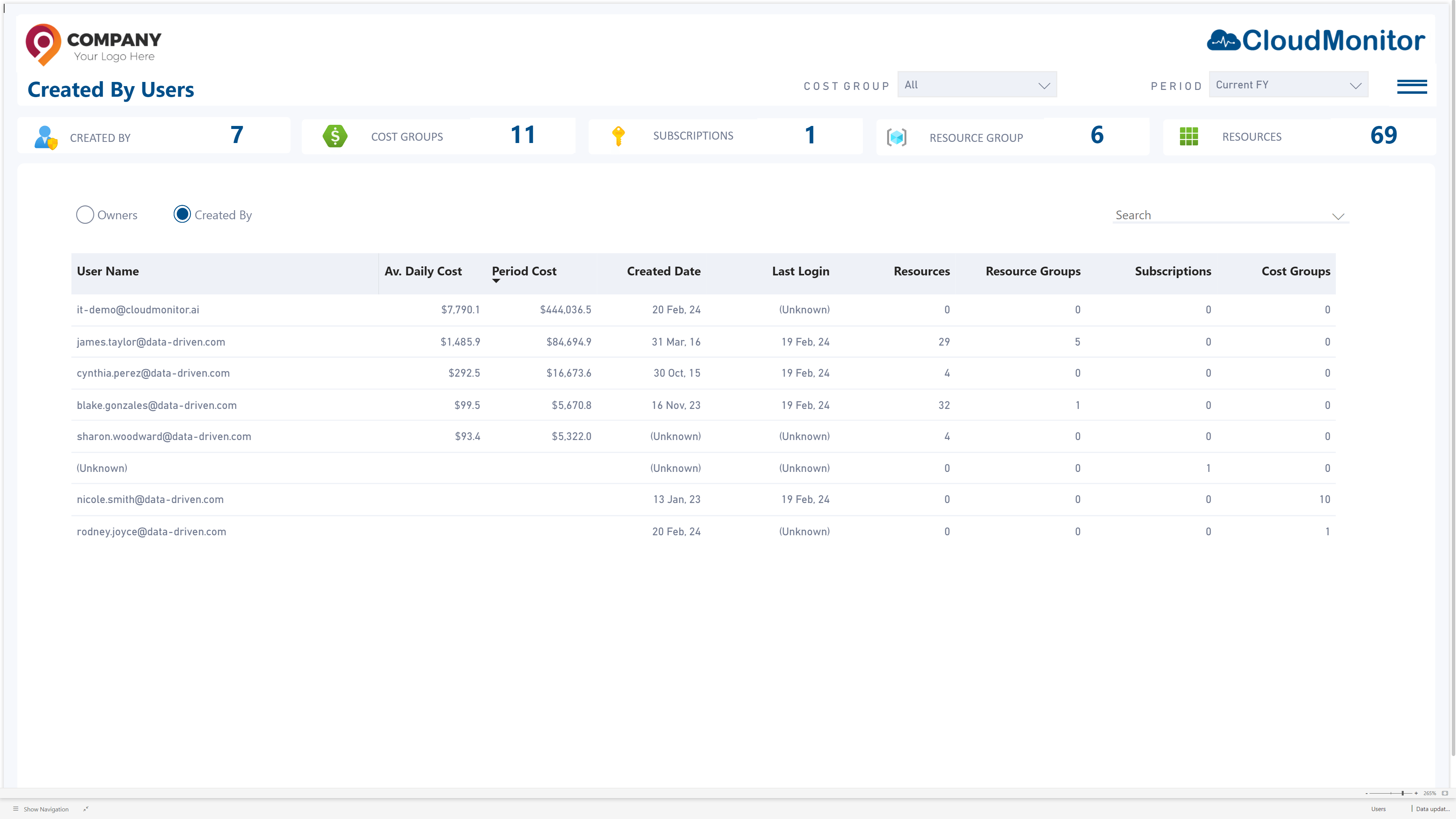
Create By Users
Empower your team to take control! Easily generate and manage custom reports, dashboards, and insights tailored to your needs.
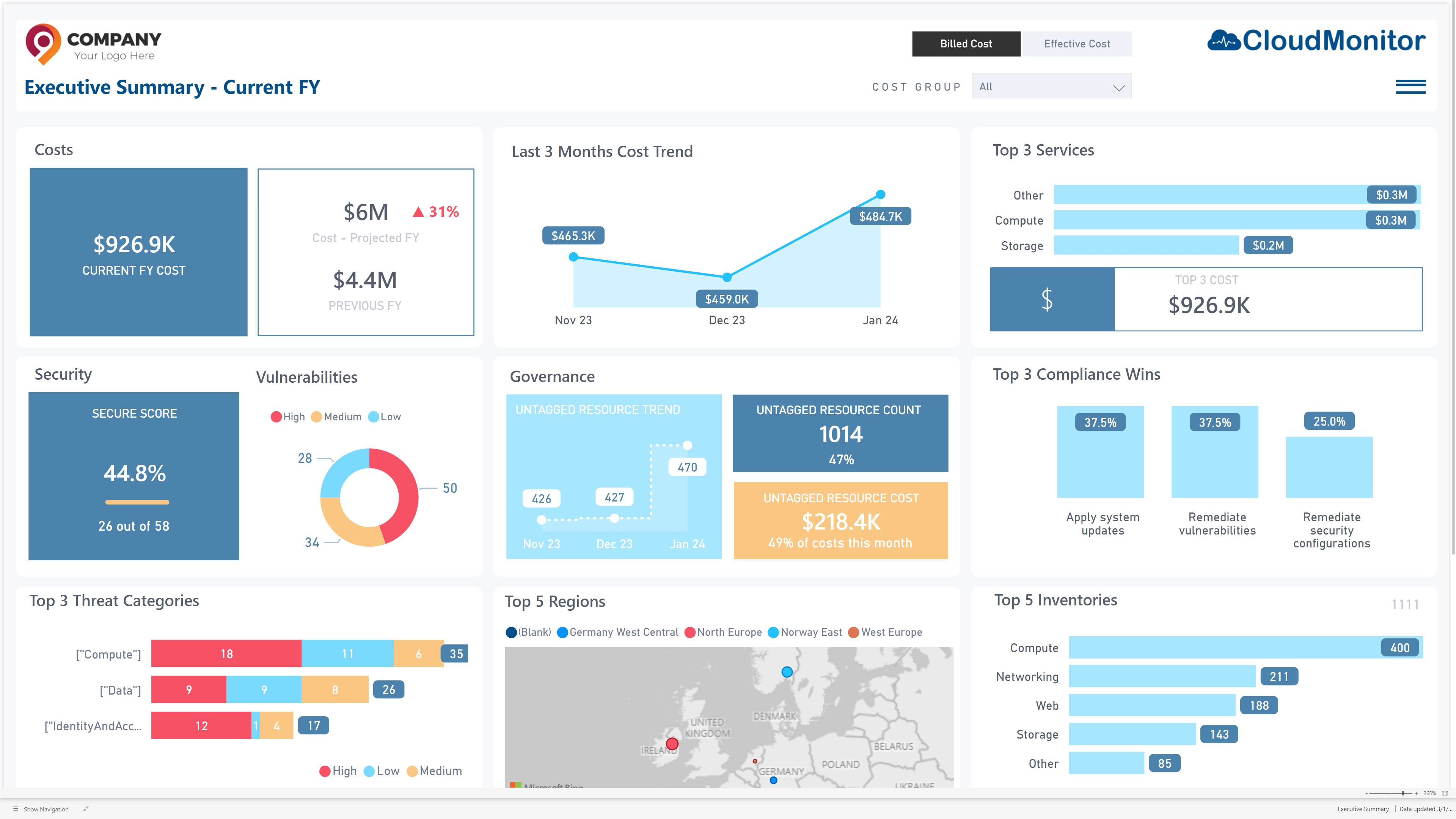
Executive Summery
Provides a high-level overview of Azure cost trends, key insights, and optimization recommendations in a concise, easy-to-digest format. It enables executives to quickly assess spending patterns and make informed financial decisions.
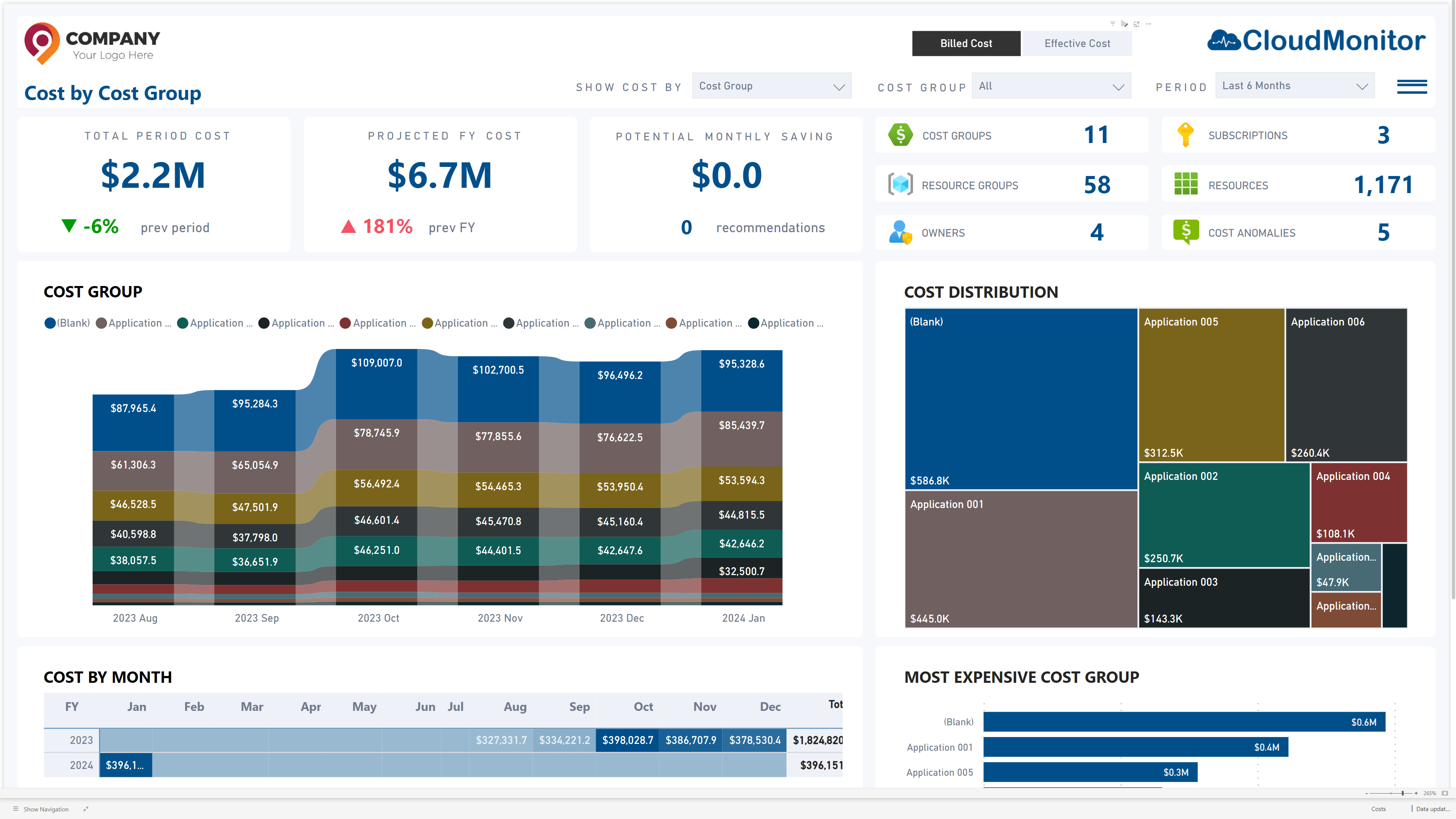
Cost by Cost Group
The “Cost by Cost Group” feature in CloudMonitor categorizes and visualizes Azure expenses by predefined cost groups, enabling clearer budget tracking and financial analysis.
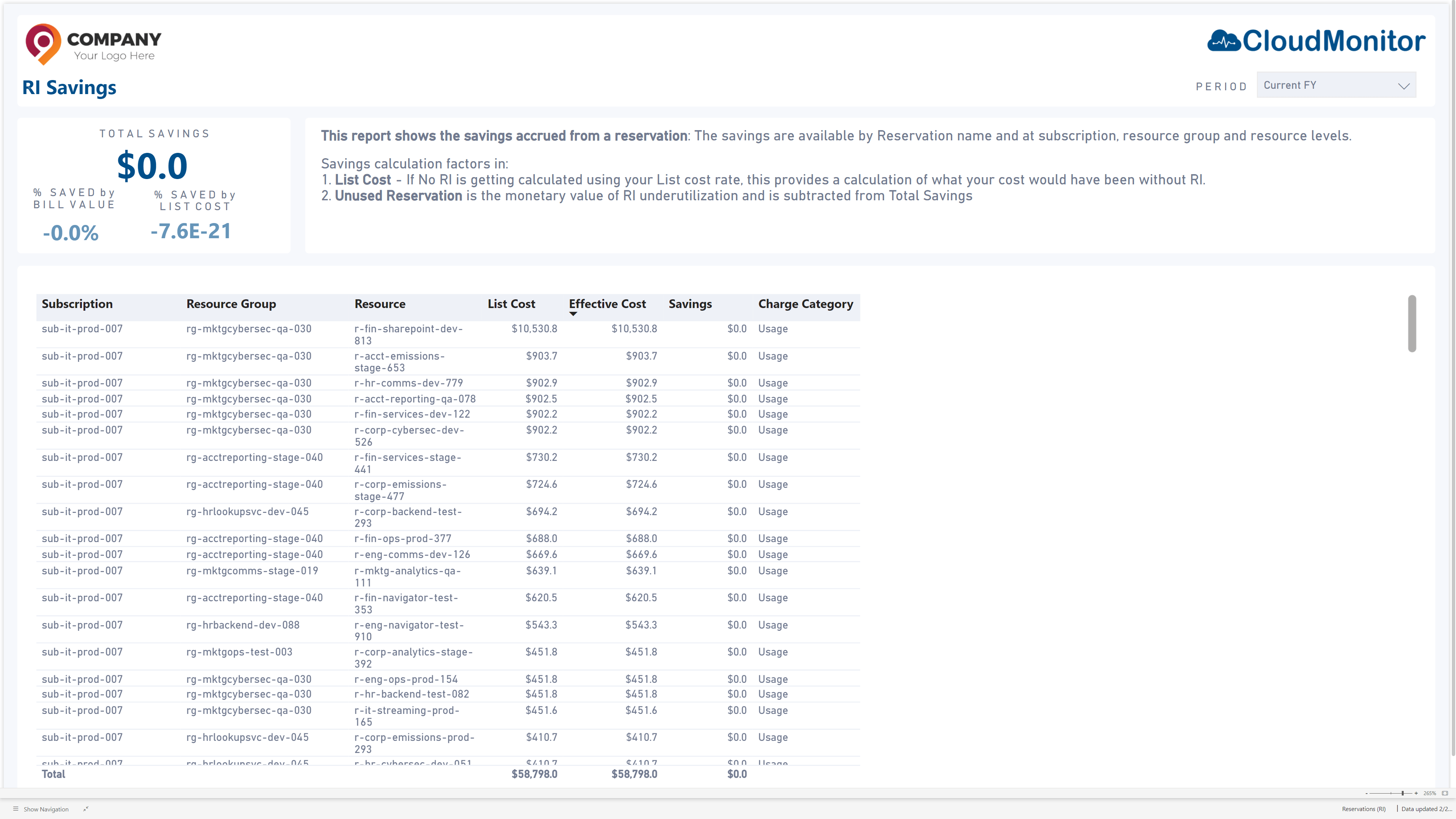
RI Savings
This feature tracks Reserved Instance (RI) usage and savings, helping optimize cloud costs by identifying underutilized or expiring RIs. It provides insights to maximize cost efficiency and minimize waste.
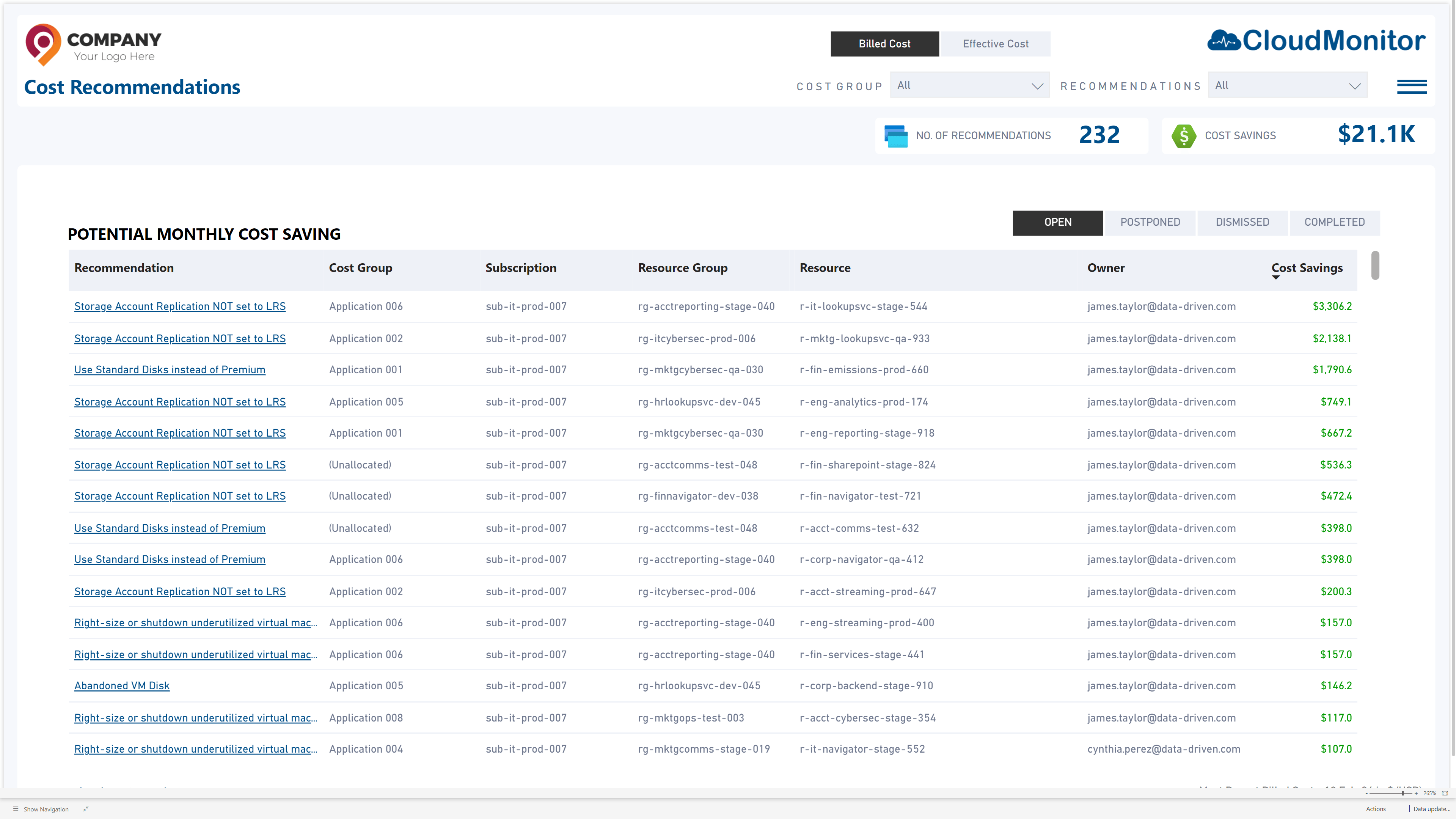
Cost Recommendations
CloudMonitor’s Cost Recommendations feature provides AI-driven insights to optimize Azure spending, identifying cost-saving opportunities based on usage patterns and best practices
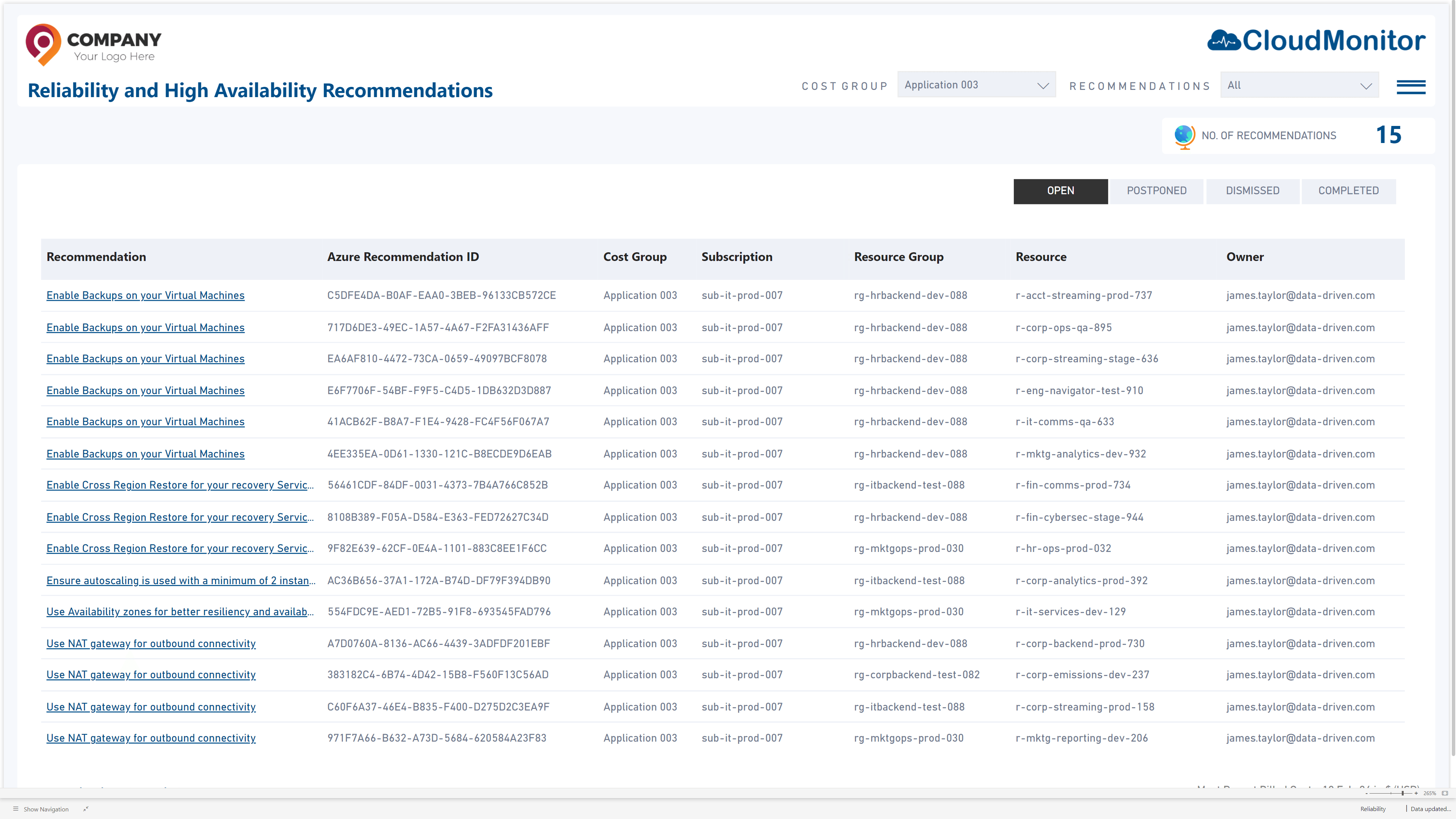
Reliability and High Availability Recommendations
This feature provides insights into potential risks and best practices to enhance the resilience of your Azure workloads, ensuring minimal downtime and optimal performance.
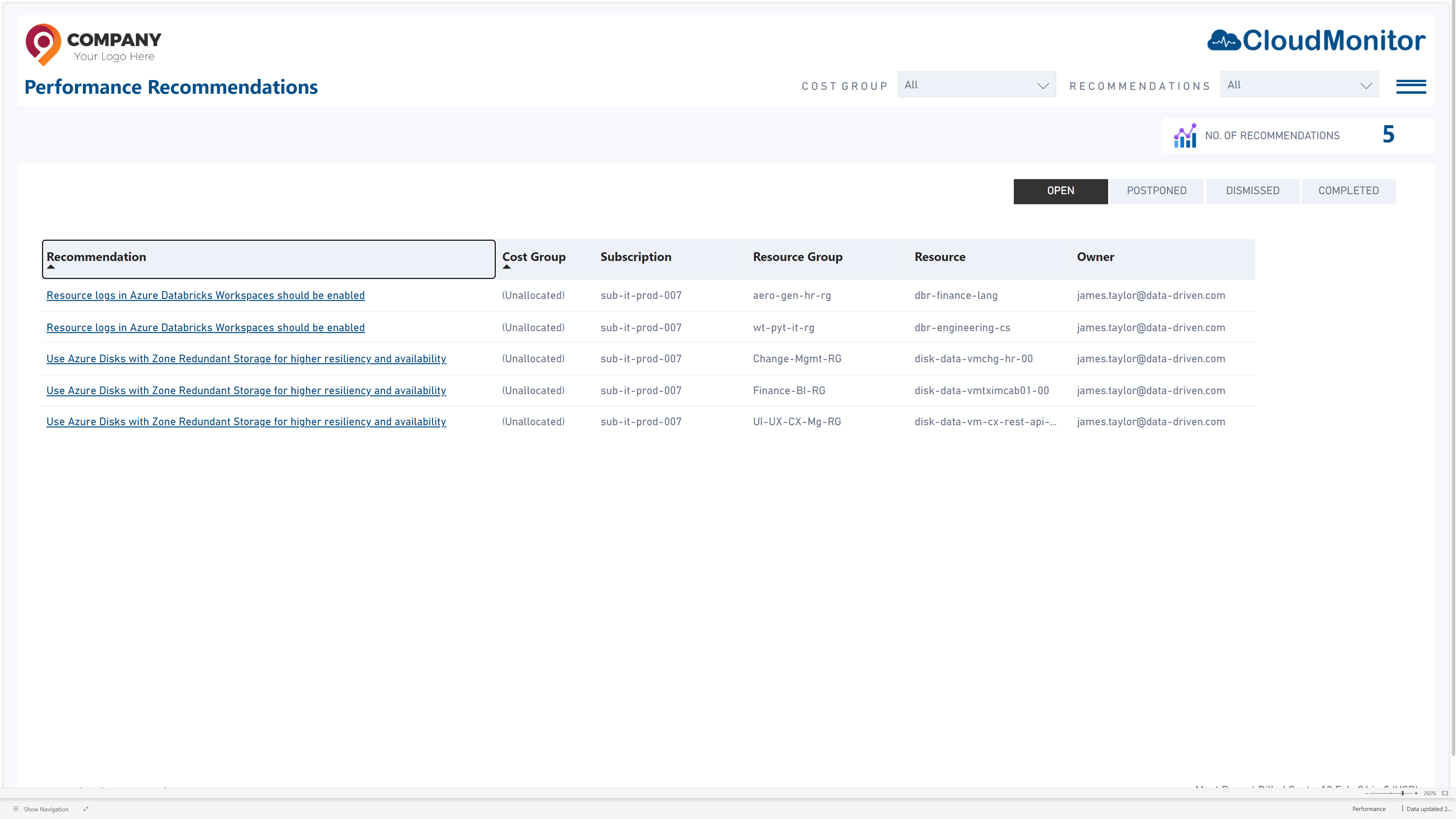
Performance Recommendations
CloudMonitor’s Performance Recommendations feature analyzes Power BI and Fabric workloads, identifying bottlenecks and suggesting optimizations to enhance efficiency
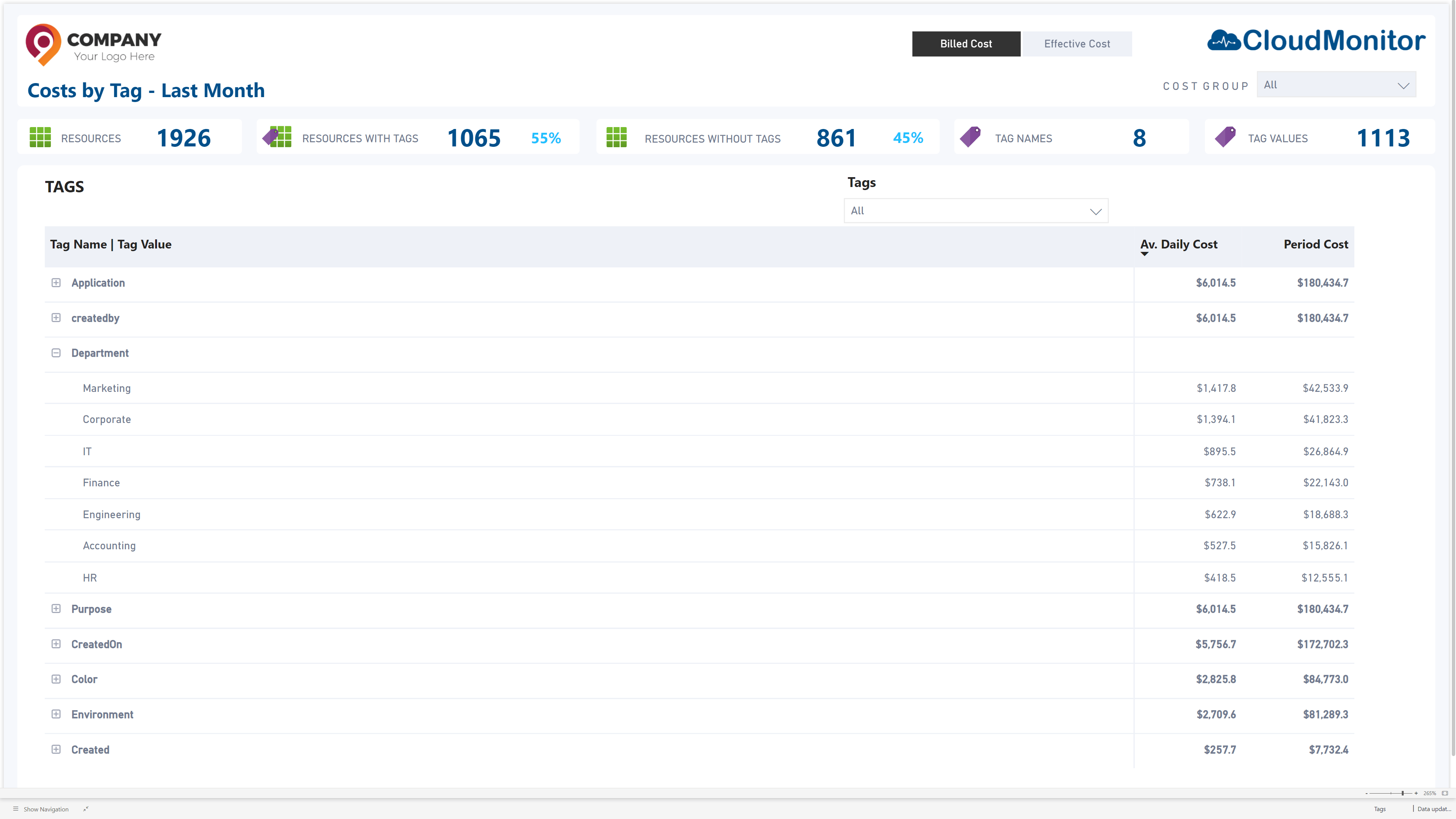
Cost by Tag
Cost by Tag feature enables users to track and analyze Azure costs by custom tags, providing granular visibility into spending across projects, departments, or resources. This helps in optimizing budgets and ensuring cost accountability.
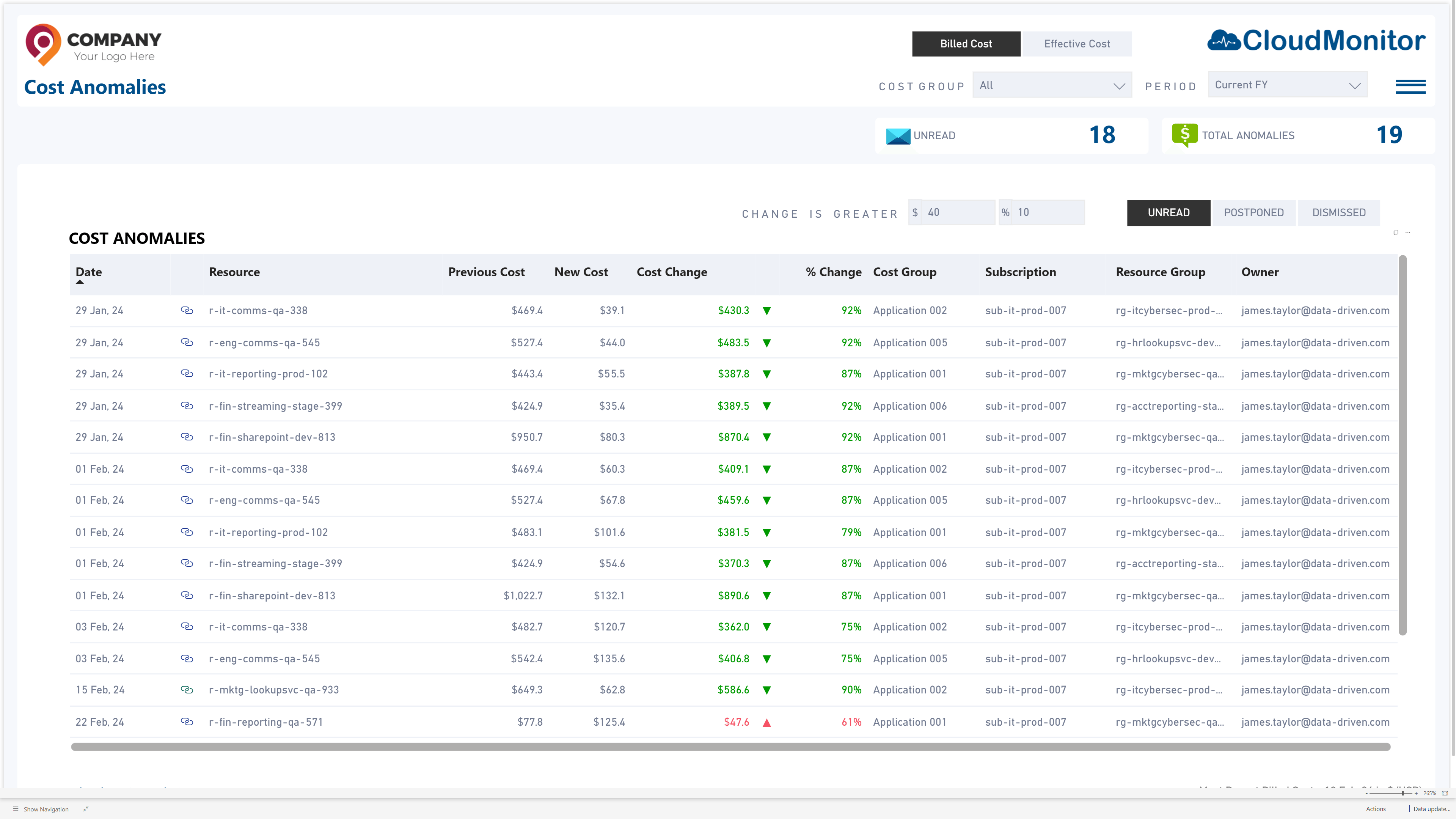
Cost Anomalies
Cost Anomalies feature detects unexpected spikes or drops in Azure spending using AI-driven analysis, helping organizations quickly identify and address cost deviations.
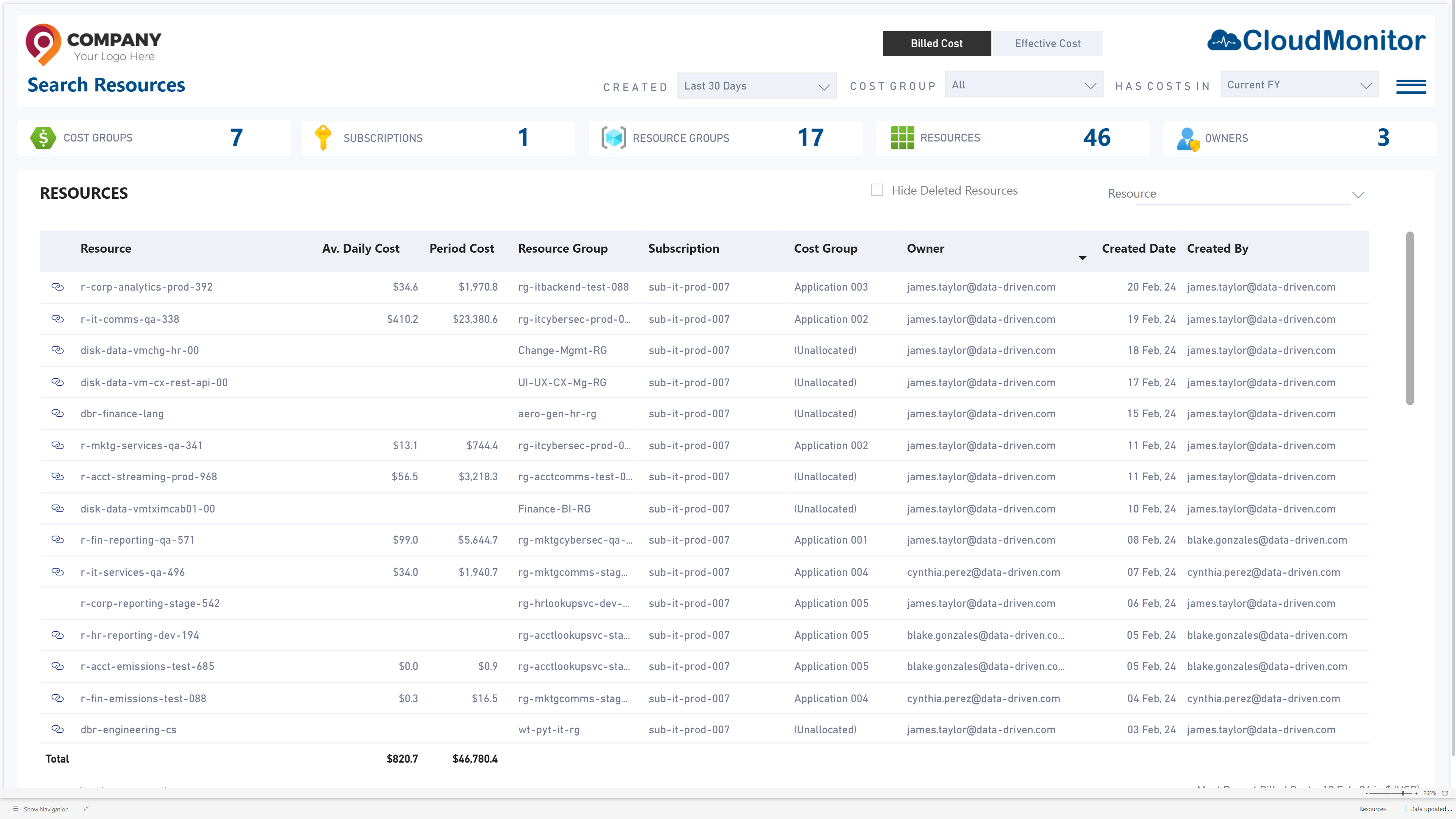
Search Resources
CloudMonitor’s Search Resources feature enables users to quickly locate and analyze Azure resources across subscriptions, providing insights into cost, usage, and compliance in a centralized view.
Create By Users
Empower your team to take control! Easily generate and manage custom reports, dashboards, and insights tailored to your needs.
Executive Summery
Provides a high-level overview of Azure cost trends, key insights, and optimization recommendations in a concise, easy-to-digest format. It enables executives to quickly assess spending patterns and make informed financial decisions.
Cost by Cost Group
The “Cost by Cost Group” feature in CloudMonitor categorizes and visualizes Azure expenses by predefined cost groups, enabling clearer budget tracking and financial analysis.
RI Savings
This feature tracks Reserved Instance (RI) usage and savings, helping optimize cloud costs by identifying underutilized or expiring RIs. It provides insights to maximize cost efficiency and minimize waste.
Cost Recommendations
CloudMonitor’s Cost Recommendations feature provides AI-driven insights to optimize Azure spending, identifying cost-saving opportunities based on usage patterns and best practices
Reliability and High Availability Recommendations
This feature provides insights into potential risks and best practices to enhance the resilience of your Azure workloads, ensuring minimal downtime and optimal performance.
Performance Recommendations
CloudMonitor’s Performance Recommendations feature analyzes Power BI and Fabric workloads, identifying bottlenecks and suggesting optimizations to enhance efficiency
Cost by Tag
Cost by Tag feature enables users to track and analyze Azure costs by custom tags, providing granular visibility into spending across projects, departments, or resources. This helps in optimizing budgets and ensuring cost accountability.
Cost Anomalies
Cost Anomalies feature detects unexpected spikes or drops in Azure spending using AI-driven analysis, helping organizations quickly identify and address cost deviations.
Search Resources
CloudMonitor’s Search Resources feature enables users to quickly locate and analyze Azure resources across subscriptions, providing insights into cost, usage, and compliance in a centralized view.